
Shared folders
Overview
Section titled “Overview”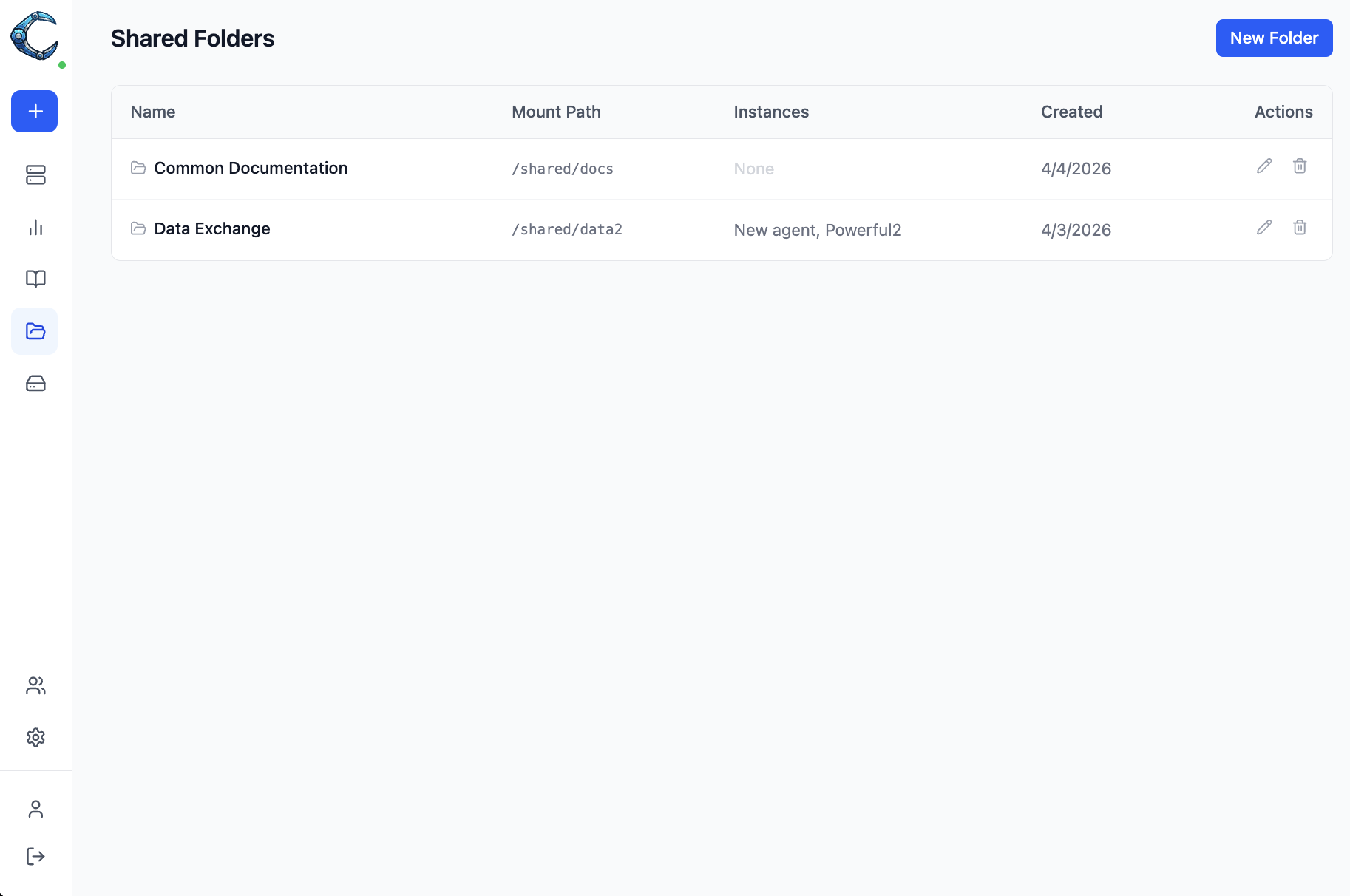
Shared folders let you create a named volume and mount it into multiple OpenClaw instances at the same path. Any file written by one instance is immediately visible to every other instance that shares the folder. This is useful for shared datasets, collaborative workspaces, or common configuration files.
Shared folders are available to all authenticated users. Admins can see and manage all shared folders; regular users see only folders they created and can only map them to instances they have access to.
Creating a shared folder
Section titled “Creating a shared folder”- Open Shared Folders in the sidebar.
- Click New Folder.
- Enter a name (for example, “Research Data”) and a mount path (for example,
/shared/research). - Click Create.
The folder is created immediately but is not mounted to any instance yet. Add instances in the next step.
Mount path restrictions
Section titled “Mount path restrictions”The mount path must start with / and cannot overlap with these reserved paths:
/home/clawforce(instance home directory)/home/linuxbrew(Homebrew installation)/dev/shm(shared memory)
Recommended mount paths: /shared/<name> or /data/<name>.
Mapping instances
Section titled “Mapping instances”- Open the shared folder by clicking Edit in the table row.
- Use the instance selector to add or remove instances.
- Click Save.
Deleting a shared folder
Section titled “Deleting a shared folder”Click the delete icon on the folder row and confirm. This removes the database record and restarts any mapped running instances to unmount the volume.
The underlying storage volume is not automatically deleted as a safety measure. To reclaim storage, remove orphaned volumes manually:
- Docker:
docker volume ls --filter label=type=shared-folder - Kubernetes:
kubectl get pvc -l type=shared-folder -n clawforce
Kubernetes considerations
Section titled “Kubernetes considerations”Shared folder volumes use the ReadWriteMany (RWX) access mode, which requires a storage class
that supports it (for example, NFS, CephFS, or AWS EFS). If your cluster only provides
ReadWriteOnce storage, two instances cannot mount the same folder simultaneously.